















Ditch the Cables: Why AirDropping from a Pixel is Pure, Unadulterated Bliss
Let’s be honest, we’ve all been there. You’re trying to share a hilarious meme, a crucial document, or that stunning photo you just snapped on your Pixel’s legendary camera. But what greets you is a tangled mess of cables, a frustrating dance with cloud storage, or the dreaded “file too large” error message.
Enter: Nearby Share, Google’s answer to Apple’s AirDrop, and quite frankly, it’s a game-changer, especially when you’re rocking a Pixel.
Why is AirDropping (okay, fine, Nearby Sharing) from a Pixel such a joy? Let’s break it down:
1. Seamless Integration: It Just Works (Finally!)
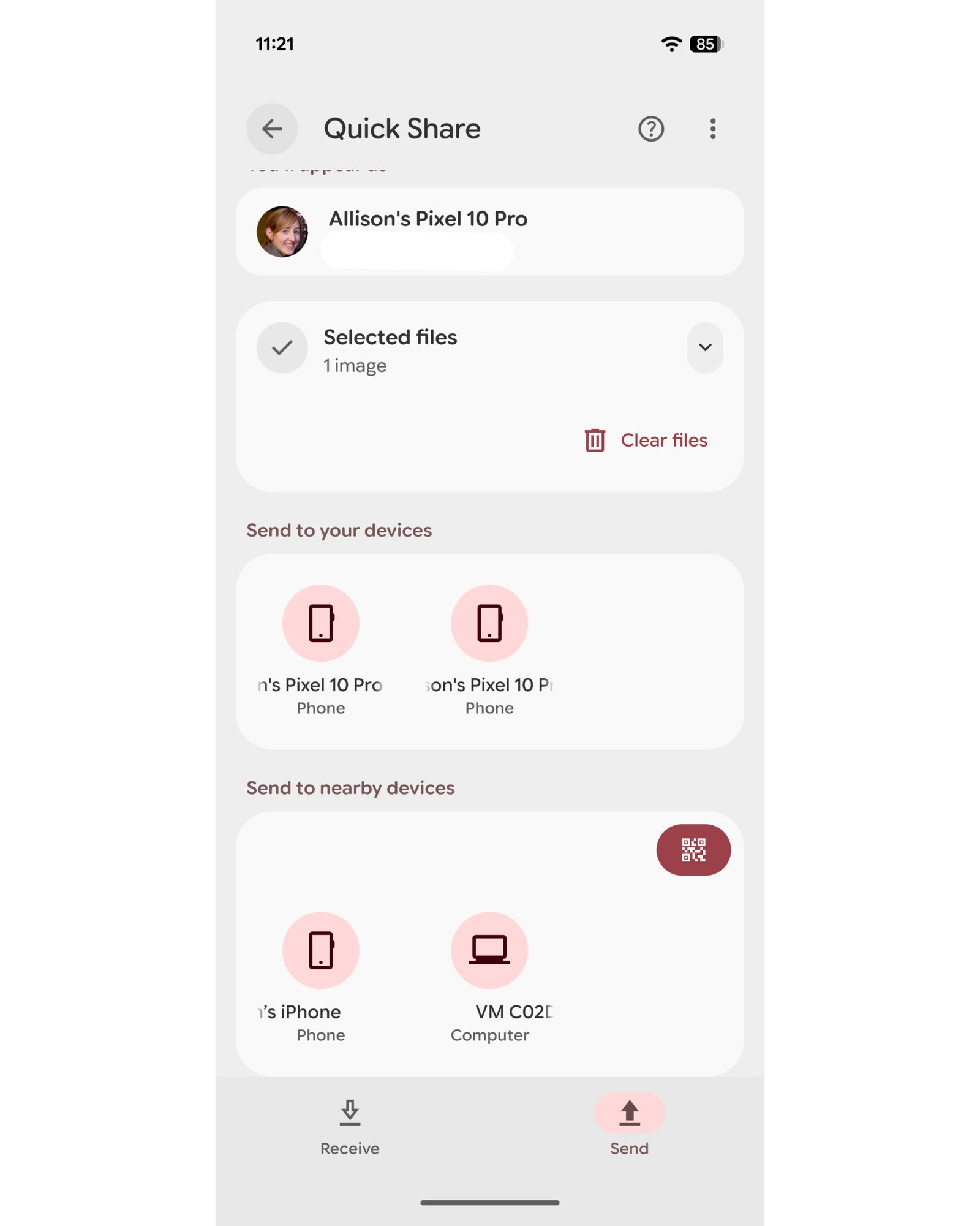
Forget about installing extra apps or fiddling with complicated settings. Nearby Share is baked right into the Android OS, meaning it’s readily available on your Pixel. From sharing a single photo to blasting an entire folder of vacation memories, the process is intuitive and straightforward. Select your file, tap the share icon, choose “Nearby Share,” and boom! Your Pixel instantly scans for nearby devices.
2. Cross-Platform Power: No More Ecosystem Walls
While initially limited to Android devices, Nearby Share has cleverly expanded its horizons. Now, you can effortlessly beam files to Chromebooks and even Windows PCs. This cross-platform compatibility is a massive win, especially if you’re not exclusively in the Google or Apple ecosystem. Finally, a truly universal sharing solution!
3. Privacy Prioritized: You’re in Control
Worried about random people spamming your phone with unwanted files? Don’t be. Nearby Share offers granular privacy controls. You can choose to share with everyone, contacts only, or keep your device hidden. This level of control ensures your sharing experience remains secure and spam-free.
4. Blazing Fast Speeds: Share in a Flash
Let’s face it, nobody enjoys waiting. Nearby Share utilizes Wi-Fi Direct and Bluetooth to deliver lightning-fast transfer speeds. This means you can share large files like videos and high-resolution images in a matter of seconds, making it perfect for sharing on the go.
5. Pixel Perfection: Optimized for Your Device
Google designs both the software and hardware for Pixel phones. This intimate relationship allows for seamless optimization, ensuring Nearby Share performs flawlessly on your Pixel device. You’ll notice smoother animations, faster connection times, and overall a more polished sharing experience.
Beyond the Basics: The Little Things That Matter
- Offline Sharing: No Wi-Fi? No problem! Nearby Share uses Bluetooth and Wi-Fi Direct for direct device-to-device communication, even without an internet connection.
- Anonymous Sharing: Share files without revealing your name or email address. Perfect for sharing sensitive information with a degree of anonymity.
- Constant Improvements: Google is continuously refining and improving Nearby Share, adding new features and optimizing performance with each Android update.
In Conclusion: Embrace the Cable-Free Life
AirDropping (err, Nearby Sharing) from a Pixel is more than just a convenient feature; it’s a liberating experience. It’s about ditching the cables, breaking down ecosystem walls, and enjoying a seamless, secure, and ridiculously fast sharing experience. If you’re a Pixel owner, you owe it to yourself to embrace the power of Nearby Share. Trust me, you won’t go back.